
Don't wait for your co‑parent to sign up.
Coparency works whether your co-parent joins or not. Sign up alone, get a dedicated forwarding email, and start receiving the structure, records, and Peacekeeper AI protection right away. When they're ready, your full history comes with you.


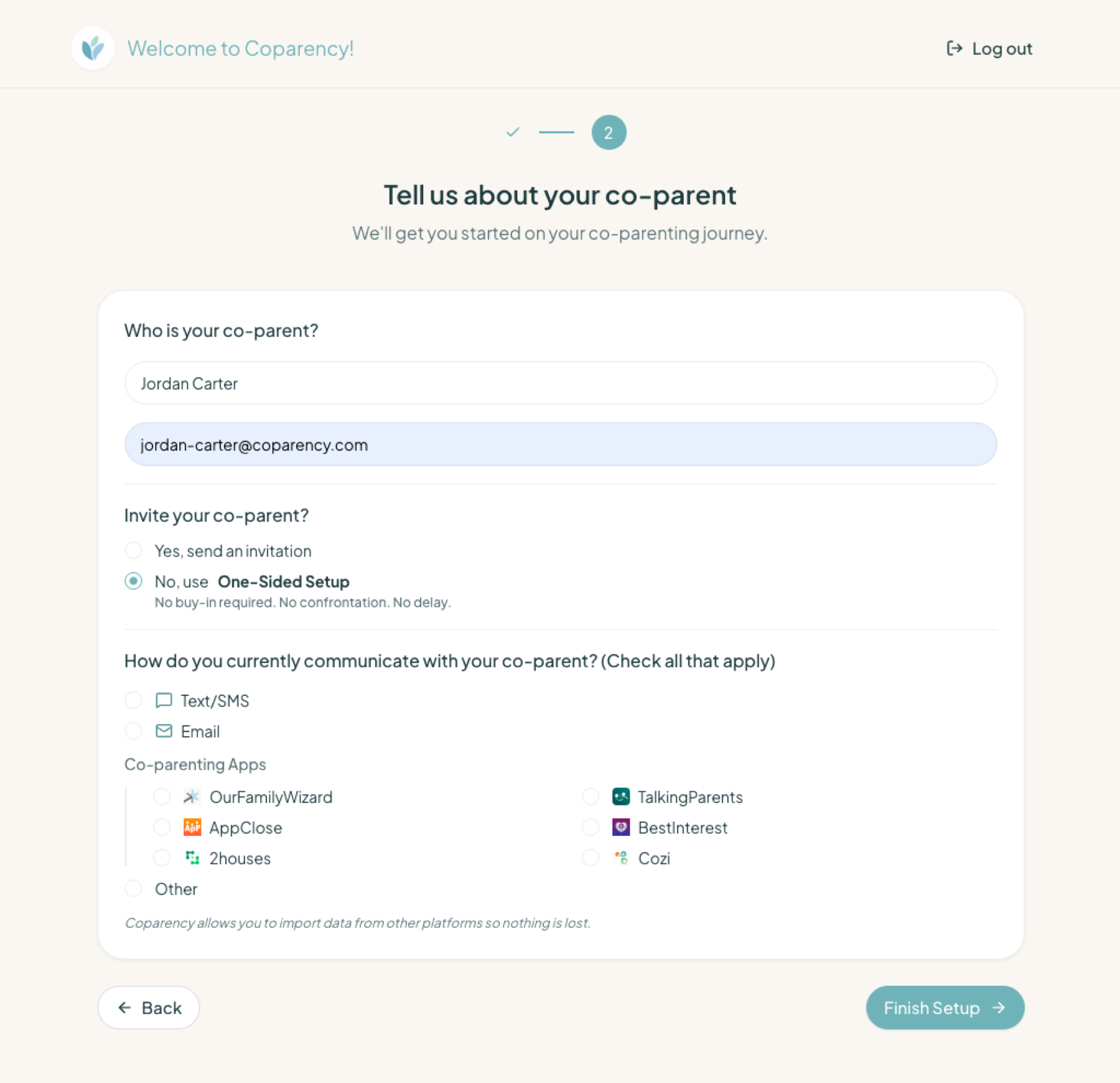
Three steps, five minutes.
No invitation needed. No coordination. No waiting.
Sign up on your own
No permission needed. Choose one-sided setup during registration — it takes less than five minutes, and your co-parent never has to know unless you want them to.
Get a dedicated forwarding email
Coparency generates a unique email address for your conversations. It's the bridge between their inbox and yours.
Share it — or auto-forward
Give the address to your co-parent like any other email, or set up automatic forwarding from your existing thread. They keep using email; you get the full Coparency experience.
No permission needed. No new argument.
Asking your co-parent to download a new app can turn into another conflict. One-sided setup avoids it entirely. They keep emailing the way they always have. You get structure, records, and protection — without a single negotiation.
- No invitation, no opt-in, no new account for them
- Works whether or not they ever know you're using Coparency
- No change to how they communicate — only to how you receive it
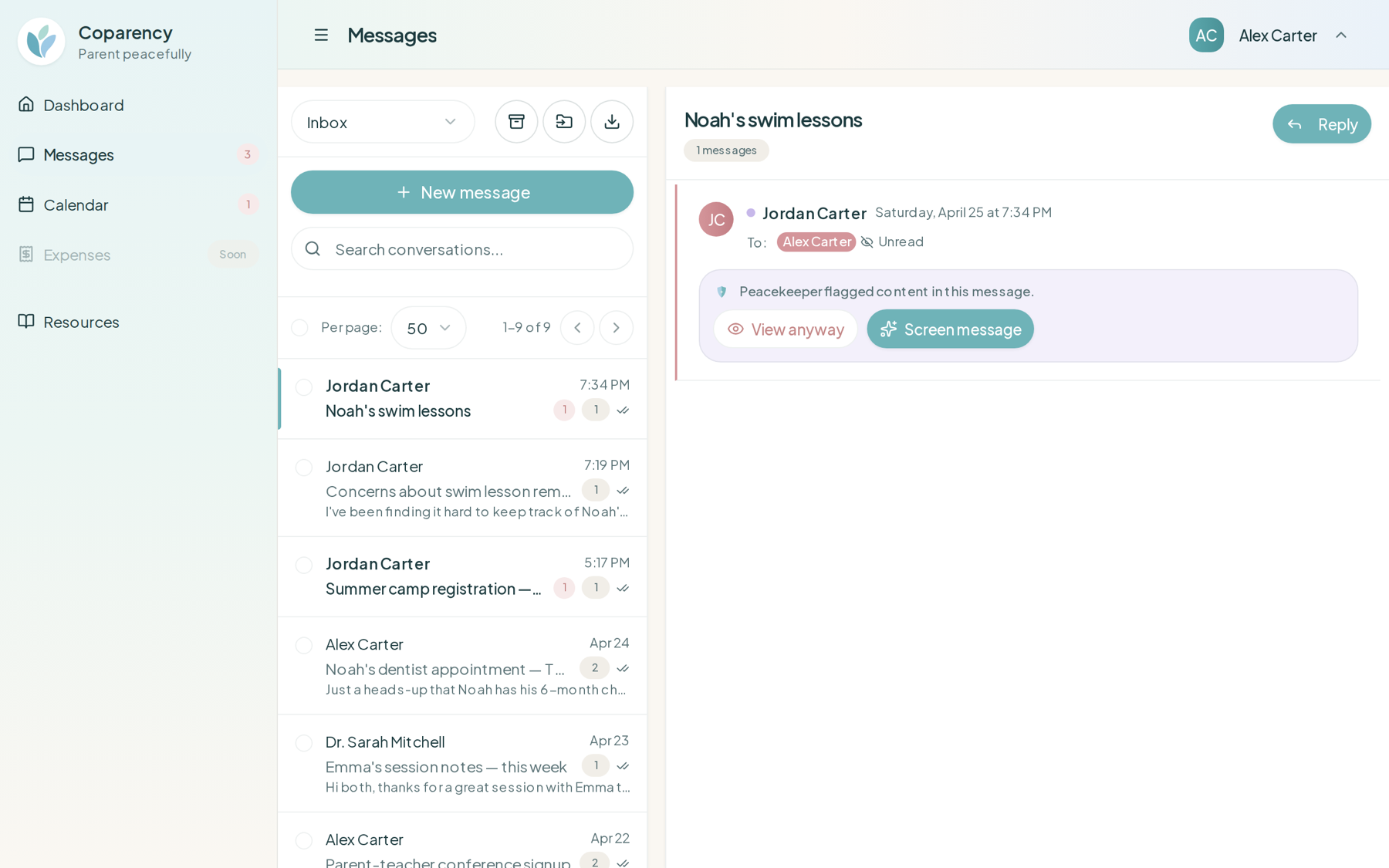
Their hostility, screened on the way in.
Even when messages arrive over email, Peacekeeper AI still runs. Hostility is flagged. Tone is labeled. Calm Delivery batches what can wait. Your replies are coached in the style you choose. The protection doesn't depend on what they sign up for.
- Hostility screening on incoming email messages
- Calm Delivery scheduling for non-urgent emails
- Coaching and tone analysis on your outgoing replies
- Topic and urgency labels — for both sides
A seamless upgrade, whenever they're ready.
If your co-parent ever decides to join Coparency directly, your full conversation history transfers with you. Nothing is lost. Nothing is duplicated. You don't restart from zero, and the record you've been building stays intact.
- Full message history preserved on upgrade
- No data migration, no manual transfer
- Both sides see the same record once they join
Frequently asked questions
Stop waiting for cooperation.
Free while we're in early access. Start one-sided setup today — your co-parent keeps emailing, you get the full Coparency experience.